Segments, Reporting, Email, and Document Merge
How teams move from live data to segments, reports, and communication.
 WayCool Software
Day 2 is about follow-through: finding the right records, turning them into reusable segments, keeping the right people informed, and moving straight into reporting, email, and document merge.
Day 2 Highlights
- Live data grids that help teams search, sort, shape, and group records faster.
- Visual segments that make recurring donor, client, and giving views reusable.
- Subscriptions that keep busy teams informed when important segment data changes.
- Interactive reports, charts, email, and document merge tied back to the same live records.
Too many teams answer questions by exporting lists, rebuilding filters, and jumping between disconnected tools. Day 2 shows a cleaner path.
Start with the grid
In CoolFocus 5, the story starts with the grid. Instead of digging through old menus or hunting for the right report, teams can get to the right data quickly, shape the view around the question in front of them, and move forward without breaking out of the workflow.
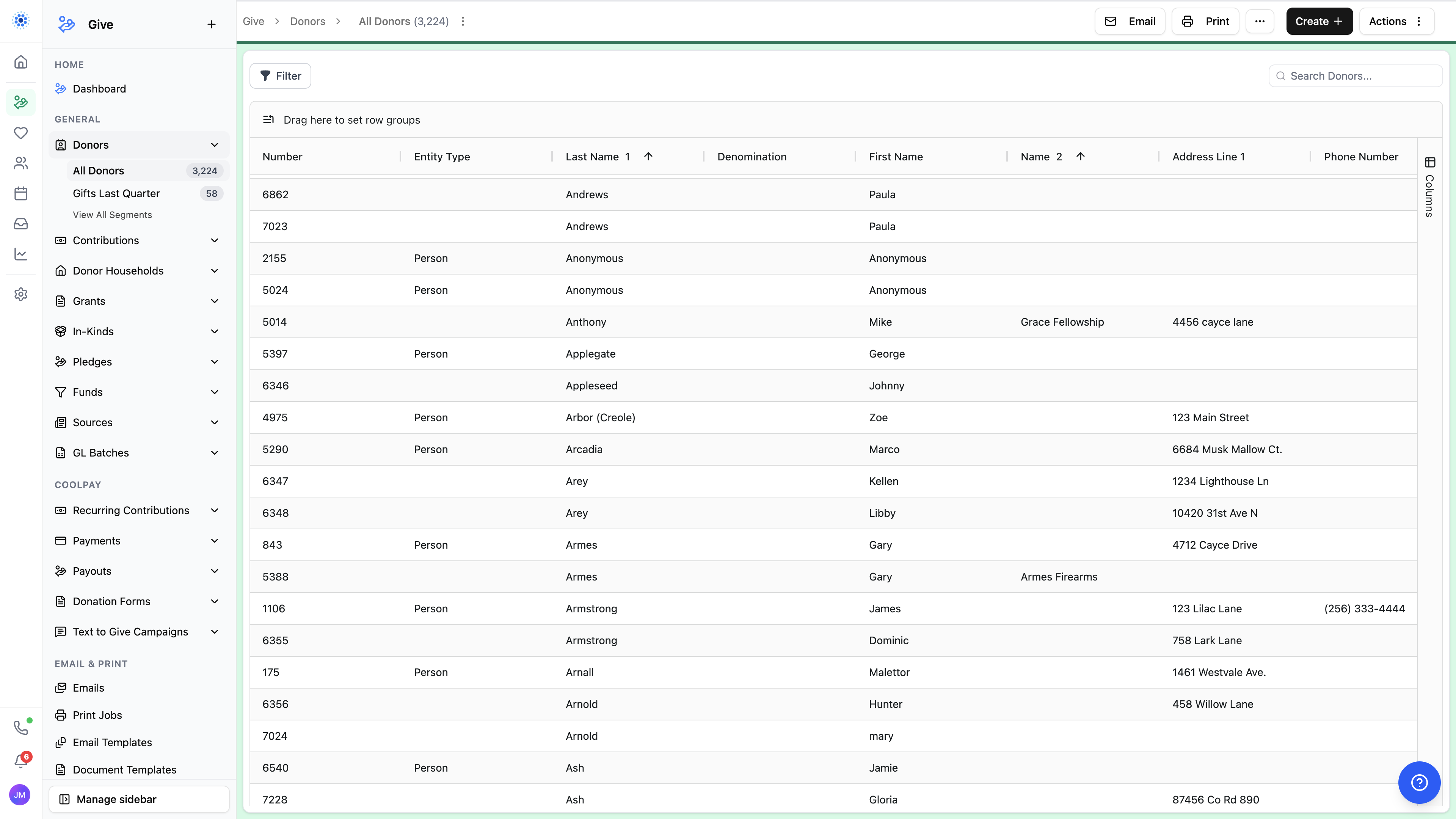
That includes quick search, customizable columns, multi-column sorting, and grouping that helps answer practical questions without relying on a canned report someone has to remember by name.
Turn views into reusable segments
Segments make those views useful. Teams can build donor, contribution, or client segments visually, save what matters, and return to the same logic whenever stewardship, outreach, review, or follow-up needs to happen again.
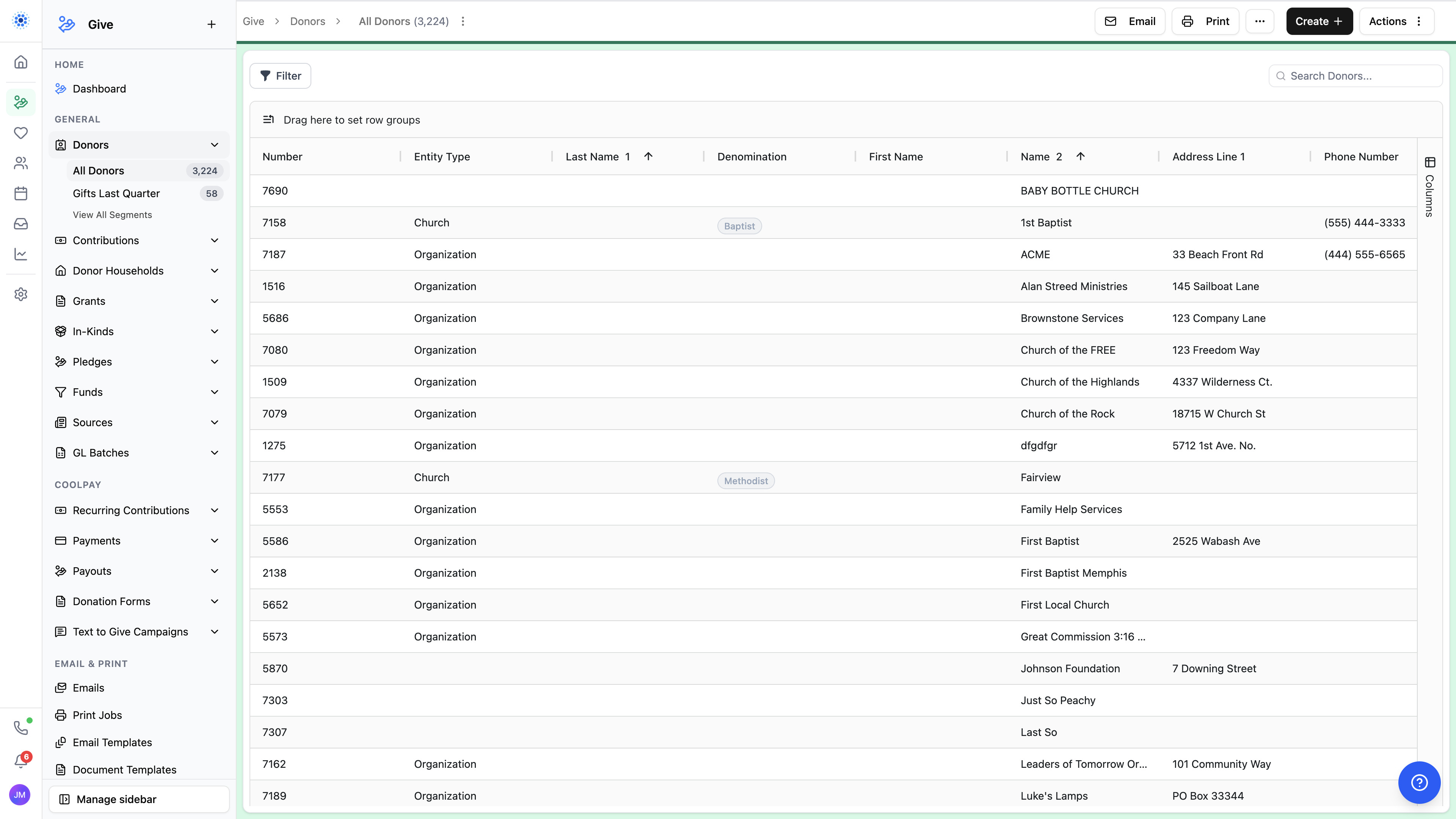
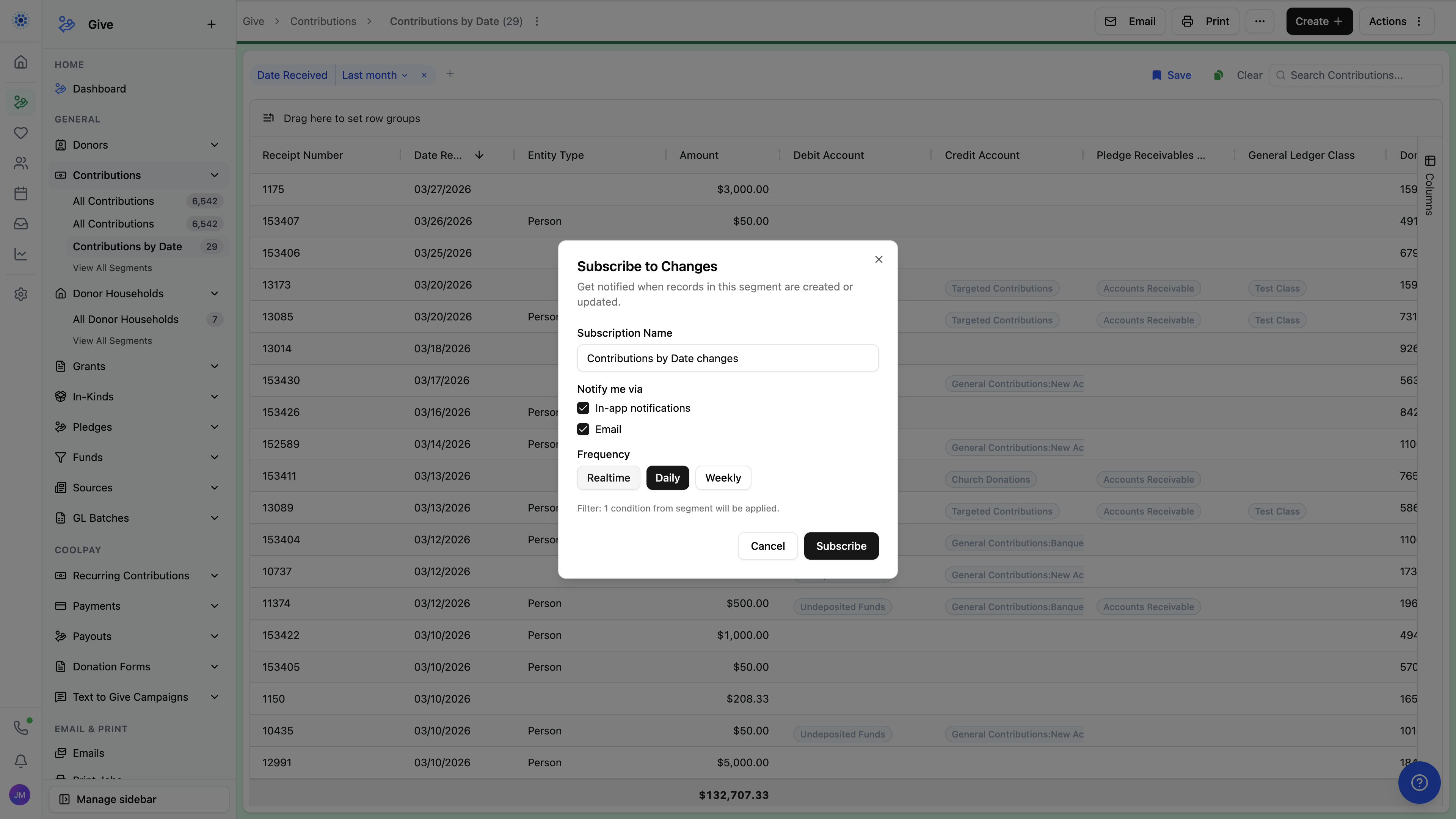
And because nonprofit teams are already busy, those segments can also become subscriptions. The right people can stay informed when records in a segment are created or updated, in real time, daily, or weekly, without constantly checking the same list.
Give reports a clearer job
Reports still matter, but now they have a clearer role. Instead of trying to force every question into one reports bucket, CoolFocus 5 keeps reports focused on the rollups, charts, and larger views that deserve their own destination.
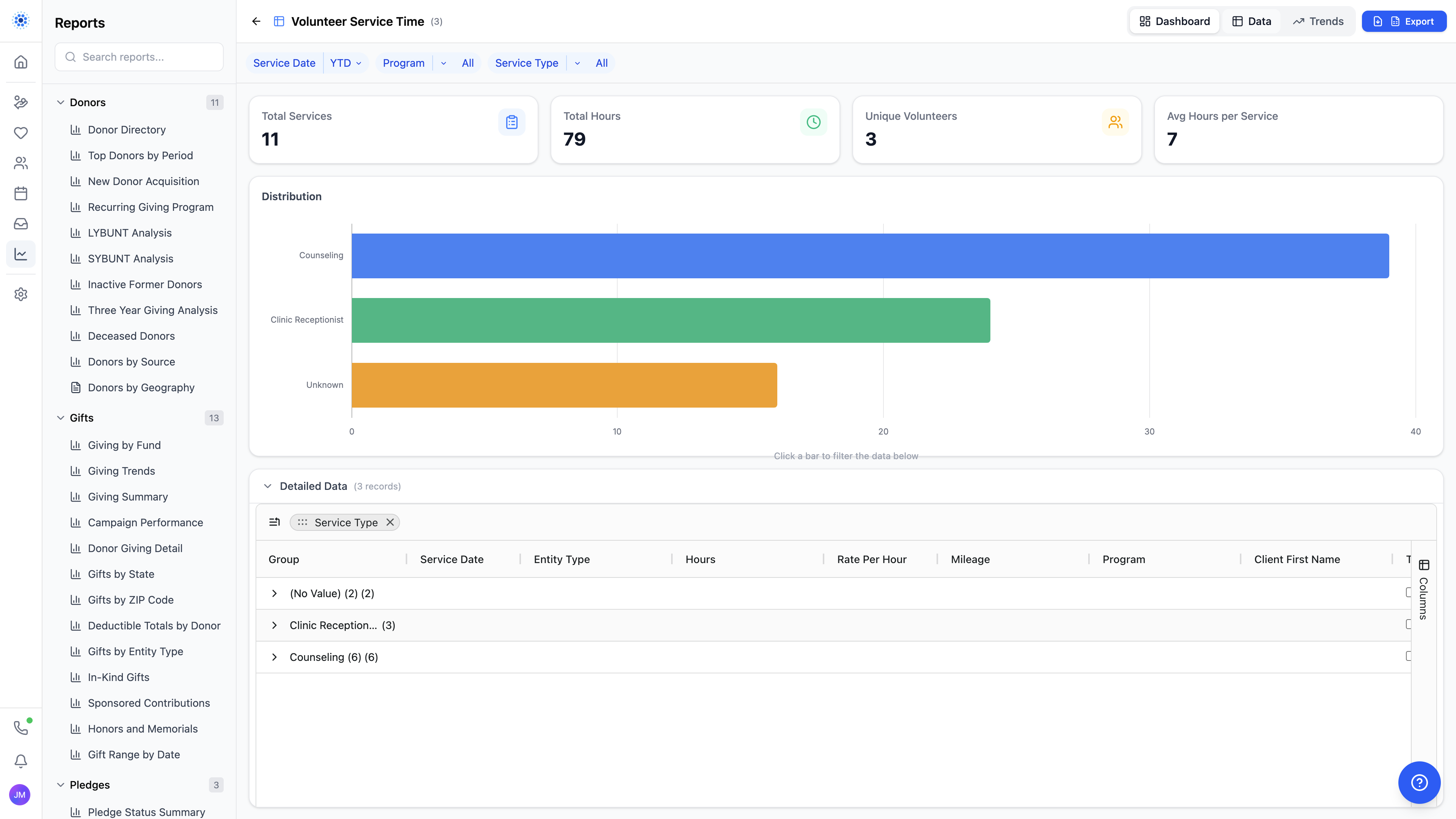
Interactive reports, chart views, and format changes make it easier to see the story in the data without sending teams back to square one every time they need a new angle.
Move straight into communication
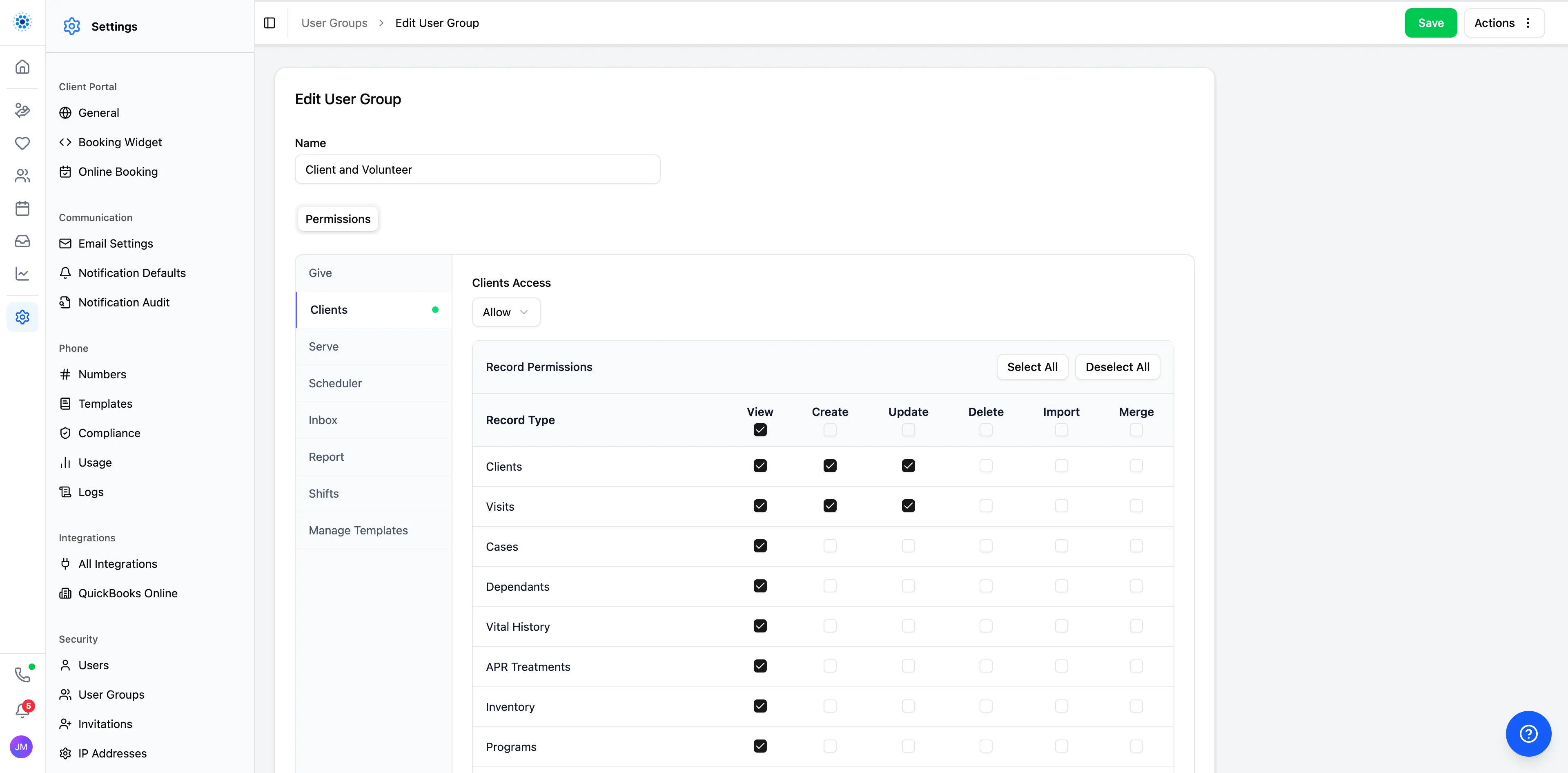
The same data layer also powers follow-through. Teams can move from a segment into document merge, printing, and email using reusable templates, instead of exporting lists and rebuilding communications in separate tools.
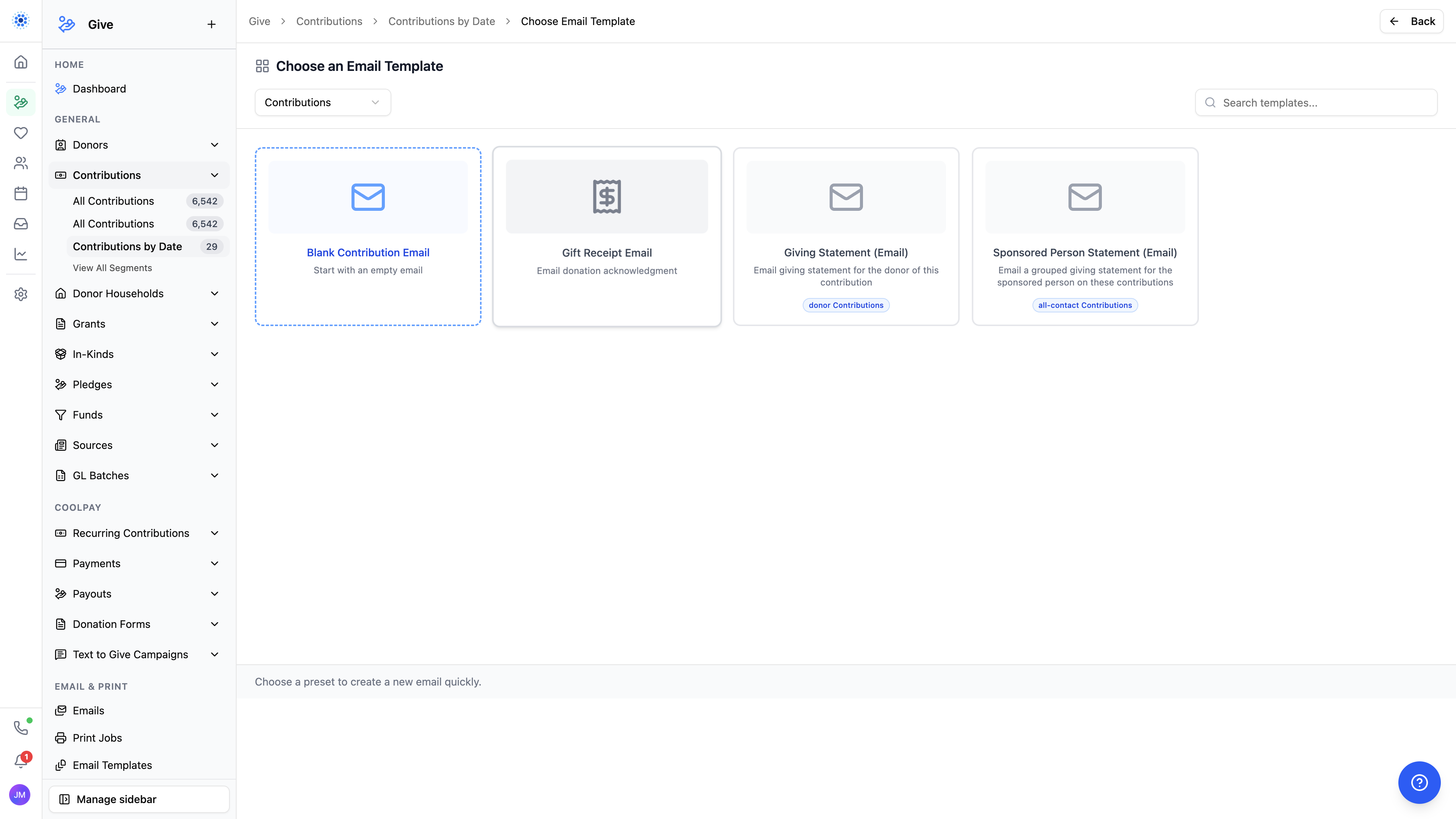
The result is a simpler flow: find the right data, save the right audience, stay informed when it changes, understand the bigger picture, and act without leaving the platform.
Tomorrow
Clients and communications go deeper
Day 3 moves into the client and communications side of the platform, where records, inbox, messaging, and care workflows stay connected.
Keep reading. More from the CoolFocus team.
All posts-
Day 4: Volunteers, Integrations, Notifications, and Security
Volunteer workflows, connected integrations, stronger notifications, and the deeper security details behind CoolFocus 5.
-
Day 3: Clients, Portal, Inbox, and Communication
Online scheduling, client portal, multilingual forms, Inbox, and visit workflows that keep care connected.
-
Introducing CoolFocus 5 — The Biggest Release in 25 Years
A completely rebuilt platform for pregnancy centers and Christian ministries. New design, new navigation, new everything. See the transformation.
Run the whole mission on one record.
Sign up in a few minutes. Our team is a message away by chat, phone, or email while you get set up.