Volunteers, Integrations, Notifications, and Security
The supporting systems that turn CoolFocus 5 into something teams can actually run on.
 WayCool Software
Day 4 is where the platform stops looking like a polished redesign and starts looking like a serious operating system. Volunteers gets real structure, notifications get smarter, integrations get easier to own, and security gets much more practical.
Day 4 Highlights
- Serve gives volunteers a real home, with richer records, background-check tracking, and cleaner staff-side coordination.
- Notifications become useful instead of noisy, mixing custom subscriptions with important system events.
- Integrations move closer to plug-in-and-go, with better scheduling-partner control plus QuickBooks Online and BrightCourse support.
- Security gets more serious with modern sign-in, device management, org switching, and IP-based controls.
This is the day where CoolFocus 5 stops feeling like a collection of modules and starts feeling like one connected operating system. These are the pieces most teams end up stitching together by hand, and they are exactly where dependable software earns its keep.
Start with Volunteers in Serve
Volunteer management is where a lot of organizations quietly give up and live in spreadsheets forever. Serve pushes the other direction. The volunteer area now has a richer staff dashboard, better records, and the same segment and reporting muscle the rest of the platform gets to enjoy.
Overview
Richer volunteer records
The volunteer overview pulls together the details teams actually need, from service context and notes to emergency contacts and profile information that usually gets buried in disconnected files.
Applications
Online volunteer applications
Prospective volunteers apply through a public online application, and staff approve each one, so staff do not have to act like human middleware re-keying paper forms.
Scheduling
Positions, time sheets, and hours
Staff schedule people by position, enter time sheets one at a time or in batches with mileage, and pull hours and service reports without a side spreadsheet.
Background checks
Background checks on the record
Track each check's type, status, date run, and renewal date on the volunteer record instead of in a separate file.
Notifications are built around the way people actually work
A notification system should create motion, not background radiation. Instead of dumping everything into one noisy feed, CoolFocus 5 lets people follow the events that matter to them by combining custom subscriptions with important system activity across the platform.
Subscriptions
Segment-based alerts
Teams can subscribe to segment-driven events, like daily updates for upcoming appointments, so awareness stays tied to live data instead of whatever reminder someone forgot to write down.
System events
Important in-app activity
Built-in application events, like a new Inbox message, surface automatically so teams can react sooner instead of constantly babysitting the app.
The point is not just more alerts. It is a more flexible awareness layer that can match the way each organization actually works, instead of forcing everyone into the same brittle pattern.
Integrations are now self-serve
Integrations are easy to make boring in launch copy. Here the interesting part is control. Teams can connect popular tools directly, configure them faster, and actually see what is happening without waiting on a custom setup process every time.
Scheduling partners
For each scheduling partner, organizations choose exactly which appointment types that partner is allowed to book. In the LifeLead example, that means Ava only exposes the appointment types you actually want available.
Partner ecosystem
Olive, LifeLead, Infinite Worth, and Options United all fit into the larger scheduling-partner story now taking shape across the pro-life movement.
Connection status
The configuration flow makes setup clearer by showing status directly and giving teams a simpler place to manage how each connected service behaves.
QuickBooks Online
Contributions can be pushed directly into QuickBooks Online as sales receipts in near real time, shortening the path from giving activity to finance workflow.
BrightCourse
Activities and points can sync directly into CoolFocus, while teams can also jump to the right client in BrightCourse faster when they need that handoff.
That is what makes the integrations story interesting here: not just more logos, but clearer setup, tighter scheduling flows, and operational connections that remove real friction.
Security starts with a new sign-in experience
Security is easy to market in vague language. The harder part is making it concrete. Day 4 closes on the kind of security that changes everyday use: better sign-in, better account control, and better ways for organizations to define who gets in and how.
Sign-in
More secure and flexible access
Users can sign in with email or username, phone, connected accounts like Apple, Google, and Microsoft, and even passkeys, which is a much more modern front door than the usual password-only rut.
Protection
Compromised password detection
If a password has already been exposed somewhere else, the system can catch it and require something safer. That is practical protection, not security theater.
Once signed in, users can manage far more of their own account through the new profile settings, including email addresses, phone numbers, connected accounts, active devices, and remote sign-out for old sessions.
Security becomes practical account control
The deeper story is not only stronger login protection. It is a cleaner model for access, account setup, and working across multiple organizations when needed without turning identity into a mess.
Security focus
Org switching, invitations, and tighter admin controls
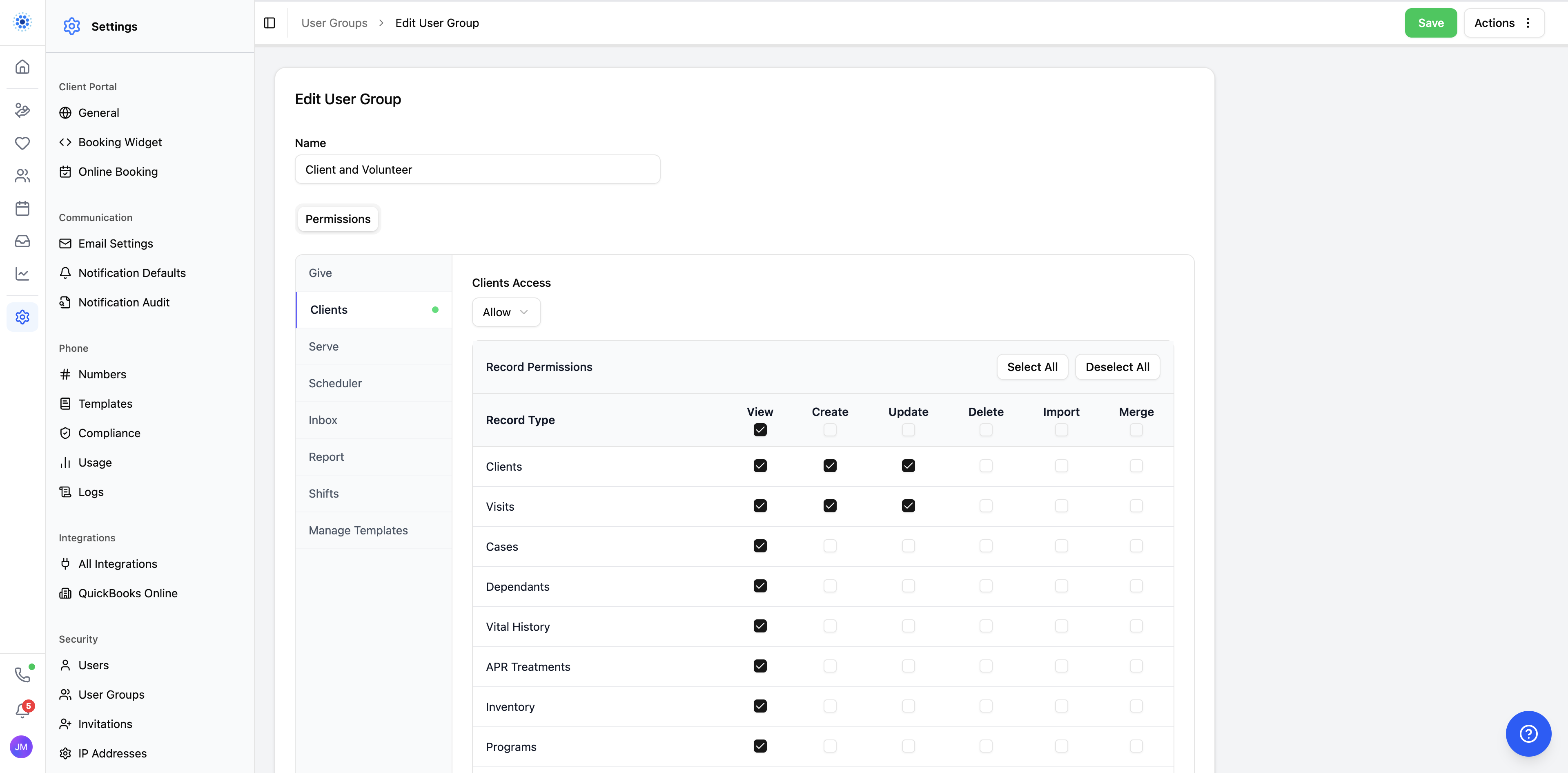
Users who belong to multiple organizations can switch between them with one secure login instead of juggling separate accounts. That matters for shared staff, volunteers, and larger organizations working across multiple entities.
Access is invitation-based from the start, IP-based controls can restrict logins to approved locations or networks, and single sign-on remains on the roadmap for premium-plan customers.
Why this matters
Taken separately, volunteers, notifications, integrations, and security can sound like supporting features. In practice, they are the difference between software that demos well and software a team can actually live in all week.
Tomorrow
Scheduling, visits, and the full appointment flow
Day 5 goes deep on online booking, staff scheduling, reminders, forms, consent, visit flow, and the purpose-built scheduling story behind CoolFocus 5.
Keep reading. More from the CoolFocus team.
All posts-
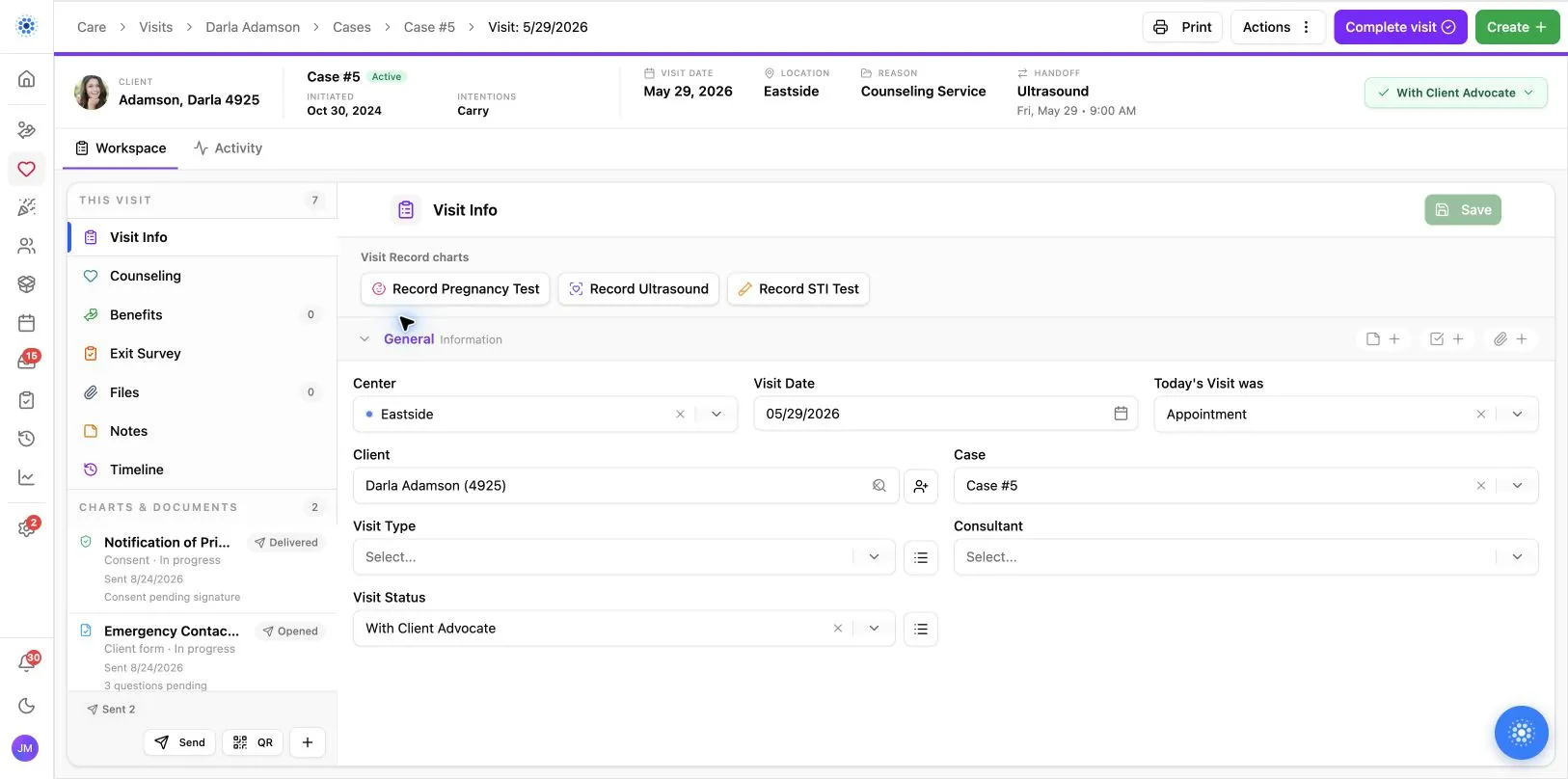
Day 5: Scheduling, Visits, and the Full Appointment Flow
A rebuilt scheduler, a live Visit Board, room-level resources, and the connected flow from first booking to final follow-up.
-
Day 3: Clients, Portal, Inbox, and Communication
Online scheduling, client portal, multilingual forms, Inbox, and visit workflows that keep care connected.
-
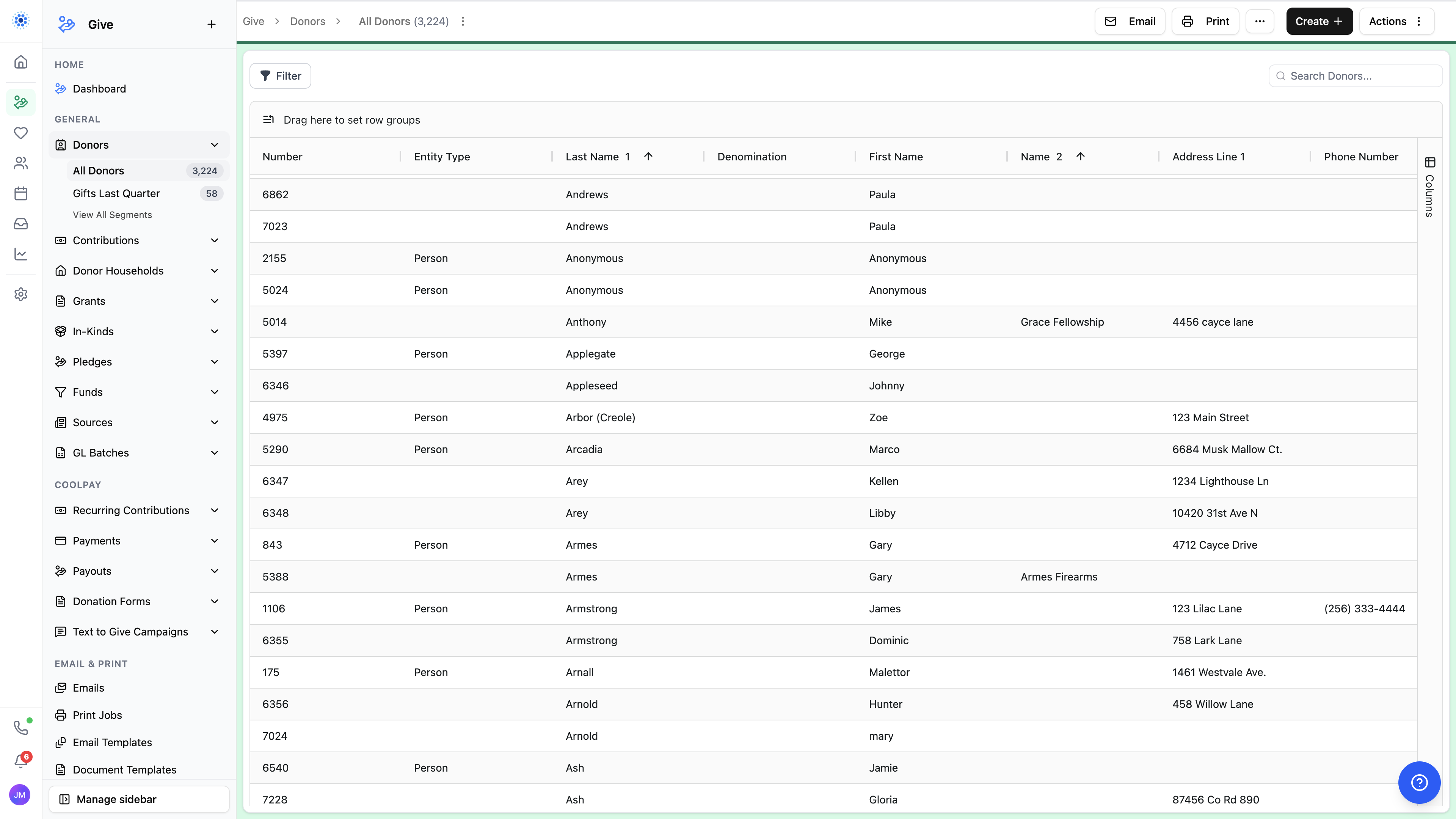
Day 2: Segments, Reporting, Email, and Document Merge
How CoolFocus 5 helps teams move from live data to reusable segments, clearer reports, subscriptions, email, and document merge.
Run the whole mission on one record.
Sign up in a few minutes. Our team is a message away by chat, phone, or email while you get set up.