Clients, Portal, Inbox, and Communication
Online scheduling, client portal, inbox, and care workflows in one connected experience.
 WayCool Software
The client experience in CoolFocus 5 starts before anyone walks through the door and keeps going long after the appointment is booked. Scheduling, portal prep, communication, and visit work finally feel like one system.
Day 3 Highlights
- Online scheduling flows directly into the client portal instead of sending clients through outside tools.
- Custom forms and consents can be translated faster and mapped back into the client record.
- Inbox supports assignment, secure portal messaging, phone coverage, and cleaner conversation triage.
- The visit workspace keeps forms, charts, notes, and approvals tied to the same client story.
This is the part of CoolFocus 5 that makes the platform feel alive: the moment booking, forms, messaging, and visit work stop acting like separate departments and start behaving like one connected care experience.
Start with booking and portal access
First impressions matter. Instead of handing clients off to a generic scheduler and hoping the rest works itself out, CoolFocus 5 turns the first appointment into the front door for everything that follows.
Step 1
Book the right appointment
Let clients choose the appointment they actually need without bouncing them into a third-party widget.
Step 2
Route to the soonest opening
Availability can prioritize the soonest opening so people get in faster instead of playing location roulette.
Step 3
Use intake details for portal login
The details captured during scheduling become the foundation for secure portal access later.
Step 4
Land on a useful portal dashboard
Upcoming appointments, consents, and forms land in one place so the next step feels obvious.
Forms and consents feel more usable
Forms and consents are where good systems usually go to die. CoolFocus 5 pushes in the opposite direction, with tools that make multilingual intake, prep work, and documentation feel maintainable instead of exhausting.
Translate faster
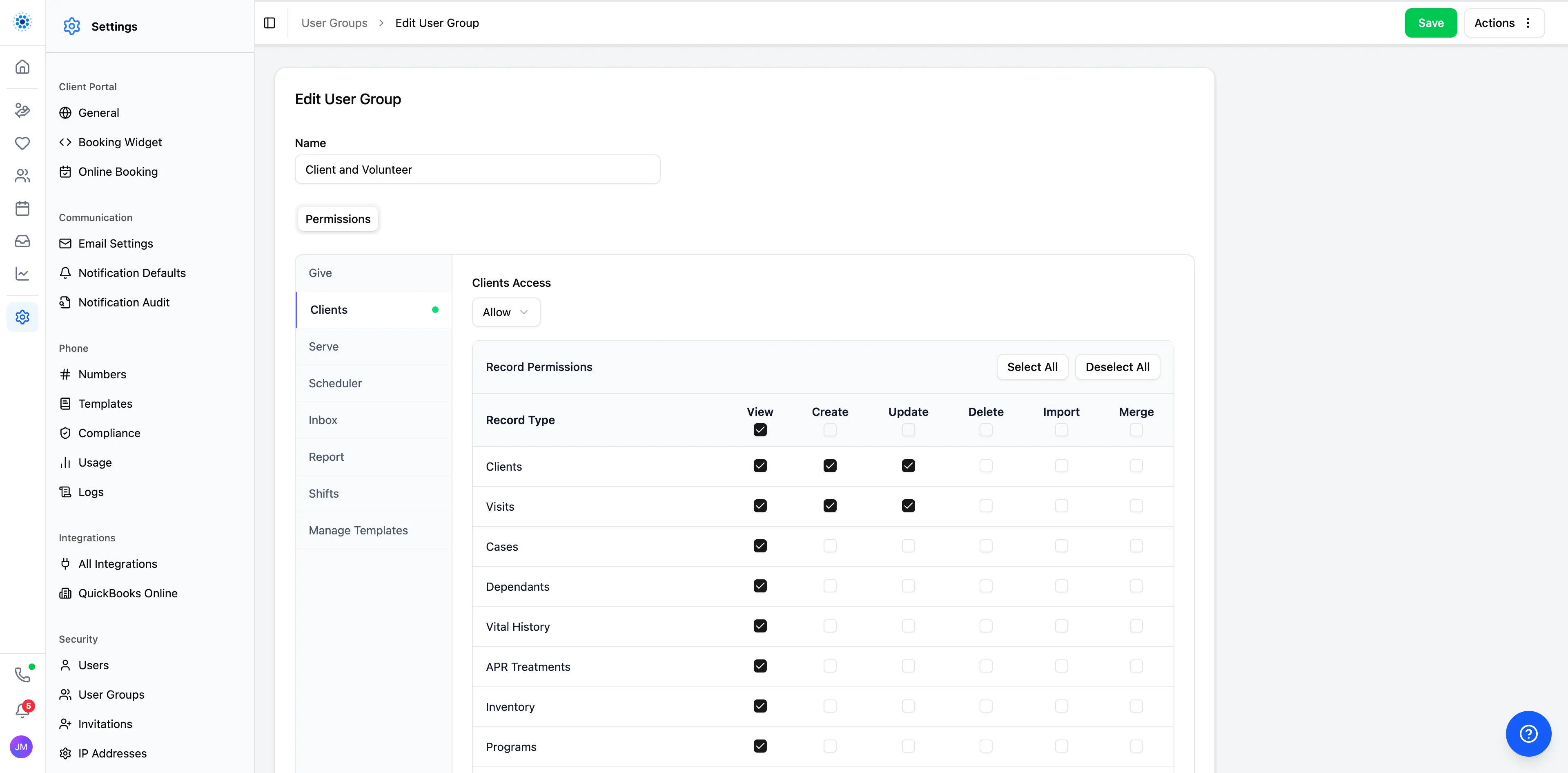
Form names and consent titles can be translated to portal languages without rebuilding separate copies by hand.
Adjust the details
Field labels can be translated, reviewed, and manually corrected when teams want wording that fits better.
Map to the record
New custom questions can map back into the client record so the data does not die trapped in a form.
Multilingual care is not a niche scenario for pregnancy centers and ministries. If every new language creates a swamp of duplicate forms and manual cleanup, the software is the problem.
Inbox keeps communication tied to the client
Inbox is where the platform starts feeling sharp. Conversations can be assigned, searched, sorted, closed, reopened, filtered out as spam, and escalated into secure messages through the portal without losing context.
Ownership
Assigned, unassigned, and all conversations
Teams can work their own queue, help the shared queue, or search across everything without turning ownership into mush.
Security
Secure portal messaging, not just texts
Protected conversations can move through the portal when a plain text message thread is not good enough.
The same scheduling logic can also drive phone coverage and forwarding, including partners like OptionLine. One shared source of truth beats maintaining separate calendars and pretending duplication is a workflow.
The visit workspace brings the record together
When the client arrives, all of that setup finally pays off. Tasks and notes stay visible on the overview, while charts, consents, and submitted forms stay connected inside the visit workspace instead of scattering across tabs.
Visit workflow
Charts, review, and a clearer approval flow
Multiple charts can live inside the visit, charts can be locked when complete, and later changes flow through amendments instead of silently rewriting history. That gives teams a more disciplined review process without breaking the rest of the care workflow.
Why this matters
Booking, portal prep, forms, secure messaging, and visit documentation usually live in disconnected tools. Here, they read like one client story from the first appointment through follow-up.
Explore Clients and Explore Inbox if you want the broader product pages after this.
Tomorrow
Volunteers, integrations, and security go deeper
Day 4 moves into the ecosystem around the platform, with volunteers, integrations, notifications, and the deeper security details behind CoolFocus 5.
Keep reading. More from the CoolFocus team.
All posts-
Day 4: Volunteers, Integrations, Notifications, and Security
Volunteer workflows, connected integrations, stronger notifications, and the deeper security details behind CoolFocus 5.
-
Day 2: Segments, Reporting, Email, and Document Merge
How CoolFocus 5 helps teams move from live data to reusable segments, clearer reports, subscriptions, email, and document merge.
-
Introducing CoolFocus 5 — The Biggest Release in 25 Years
A completely rebuilt platform for pregnancy centers and Christian ministries. New design, new navigation, new everything. See the transformation.
Run the whole mission on one record.
Sign up in a few minutes. Our team is a message away by chat, phone, or email while you get set up.